Please note: If you haven't tried to reset your password and need assistance doing so, see this article on the password reset process.
If you haven't received the password reset email, here's what you need to know.
There are two common reasons why a password reset email fails to send:
- The email address entered is not recognized, or
- Your server is blocking the password reset email.
If the email address entered is not recognized
When creating a password, you need to use an email address that matches what we have on file. If our system does not recognize the email address that you entered, you will receive the following error message:
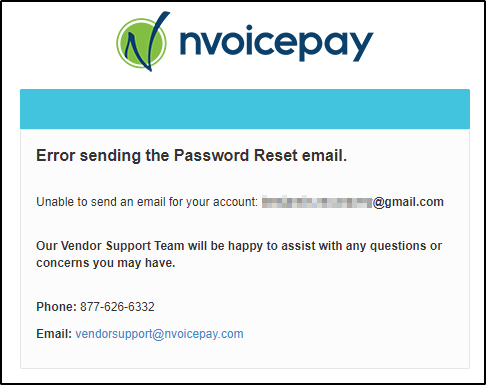
The correct email address is the one that received the original payment notification. Please make sure you are using the right email address and try again.
If your server is blocking the password reset email
Please check your spam or junk folders. If you still can't find the email, please contact your IT department to whitelist our email address passwordreset@nvoicepay.com in your company's server.
If you continue to have trouble receiving emails from Nvoicepay, please contact us at 877-626-6332 or at vendorsupport@nvoicepay.com.
Comments
0 comments
Please sign in to leave a comment.