Please follow the steps below to access the records of your customer's submitted invoices.
If you are unable to locate your invoices, or if the information appears to be entered incorrectly, please contact your customer. Nvoicepay does not submit payments or retain copies of invoices.
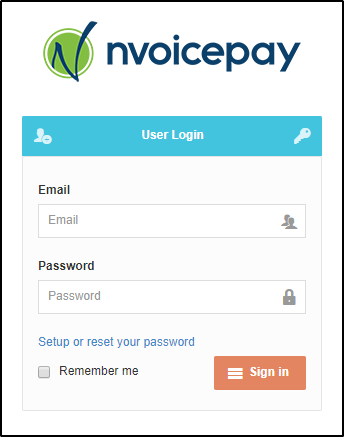
1. Log into the Payment Command Center. (If you need a password or have never logged in, see this guide.)
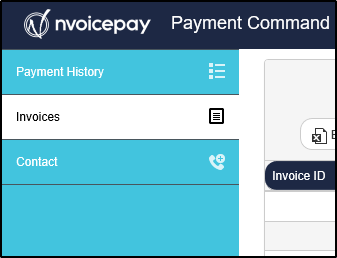
2. Click on the Invoices tab.
3. Search by the customer name or invoice ID.
Please note: You may need to adjust the start date depending on when the invoice was submitted.
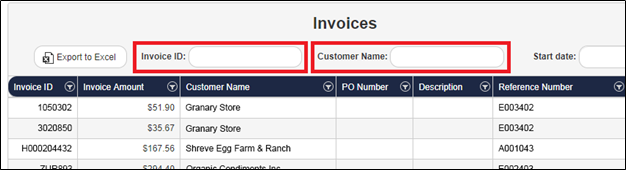
You can export the full list of invoices by clicking the "Export to Excel" button on the top left corner of the screen.
Comments
0 comments
Please sign in to leave a comment.